Publish Date
March 2026
How to Scan Your Whisky Collection With a Barcode Scanner

Tyler Berry
Whisky Collector
You've decided to get your whisky collection into an app. Good. Now you're staring at 30 bottles wondering if you really have to type each one in manually.
You don't. A barcode scanner makes the whole process dramatically faster.
How barcode scanning works
Most whisky bottles have a standard UPC or EAN barcode printed somewhere on the packaging. Usually on the back label, sometimes on the bottom of the box or tube. When you scan that barcode with your phone's camera, the app looks it up against a database and identifies the bottle.
A successful scan pulls in the product details automatically: name, distillery, type, region, ABV, volume, and age statement. You don't need to type any of it. Confirm the match, and the bottle is added to your collection.
The whole process takes a few seconds per bottle.
Where to find the barcode
Back label is the most common spot. Look for the block of vertical lines with numbers underneath. Some bottles have it on the side of the box or tube rather than on the bottle itself. If the bottle came in a tin, check the base.
Older bottles and some independent bottlings may not have a standard barcode. In those cases, you'll need to add them manually or search the database by name. But the majority of bottles on most collectors' shelves will scan without issue.
Single scan vs bulk scan
Single scan mode is what most apps default to. You open the scanner, scan a bottle, fill in some details, save it, then go back and scan the next one. This works fine for adding one or two bottles, but it's painfully slow for your initial import.
Bulk scan mode is designed for exactly that situation. The camera stays open between scans. You scan a bottle, confirm the match with a single tap, and you're immediately scanning the next one. No detail entry required. No navigating back to a menu. Just scan, add, repeat.

For a shelf of 30 bottles, bulk scanning takes a few minutes. Single scanning with detail entry takes closer to an hour. If you're importing your whole collection for the first time, bulk mode is the difference between doing it and putting it off indefinitely.
What happens when a bottle doesn't scan
It will happen. Not every barcode is in every database, especially for independent bottlings, older releases, or bottles from smaller distilleries.
A good scanner handles this gracefully. It should let you skip the unrecognised bottle and keep scanning the rest, rather than breaking your flow with an error screen. After you've finished the bulk import, you can go back and add the unrecognised bottles manually.
Some apps also let you save the unrecognised barcode so that if the bottle is added to the database later (by you or another user), it links up automatically.
After the scan
Once your bottles are in the system, go back through them at your own pace and add the details that matter to you. Purchase price, date acquired, where you bought it, whether it's open or sealed. None of this is required at scan time, which is why the bulk import is so fast.
Some people fill in every field. Some people only add purchase prices. Some people just want a visual catalogue of what they own and don't bother with metadata at all. There's no wrong approach. The important thing is getting the bottles into the system. Everything else can happen later.
Cabinet's barcode scanner
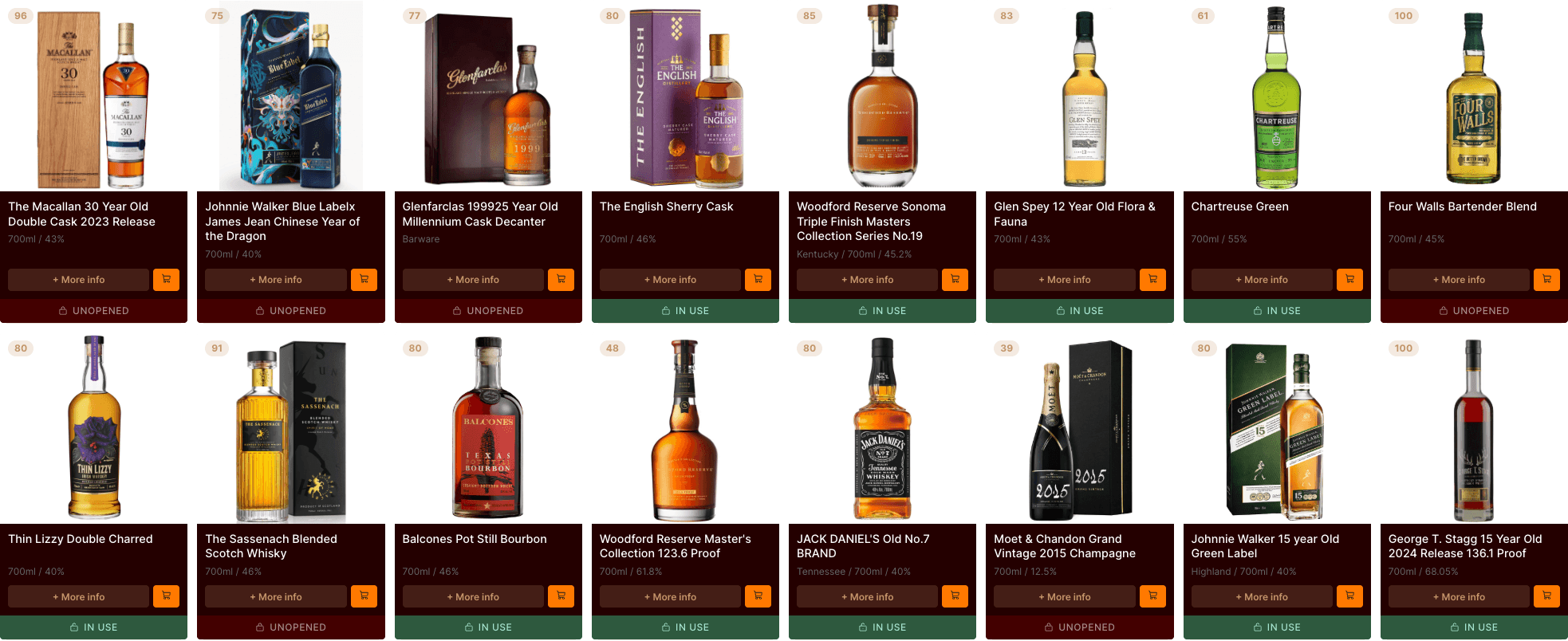
Cabinet's bulk scan mode keeps the camera open between scans with sub-second matching. Scan a bottle, tap to add, and you're scanning the next one immediately. Unrecognised barcodes can be saved or skipped without breaking the flow.
After a bulk session, you'll see a summary of everything you added. Tap any bottle to fill in details, write notes, or check prices. Or just enjoy looking at your collection properly organised for the first time.
Get scanning. It's free.